


Finds the subject
No need to crop. Chromacy finds the main color of the thing in your photo and ignores the background. Tap anywhere to measure a different spot.

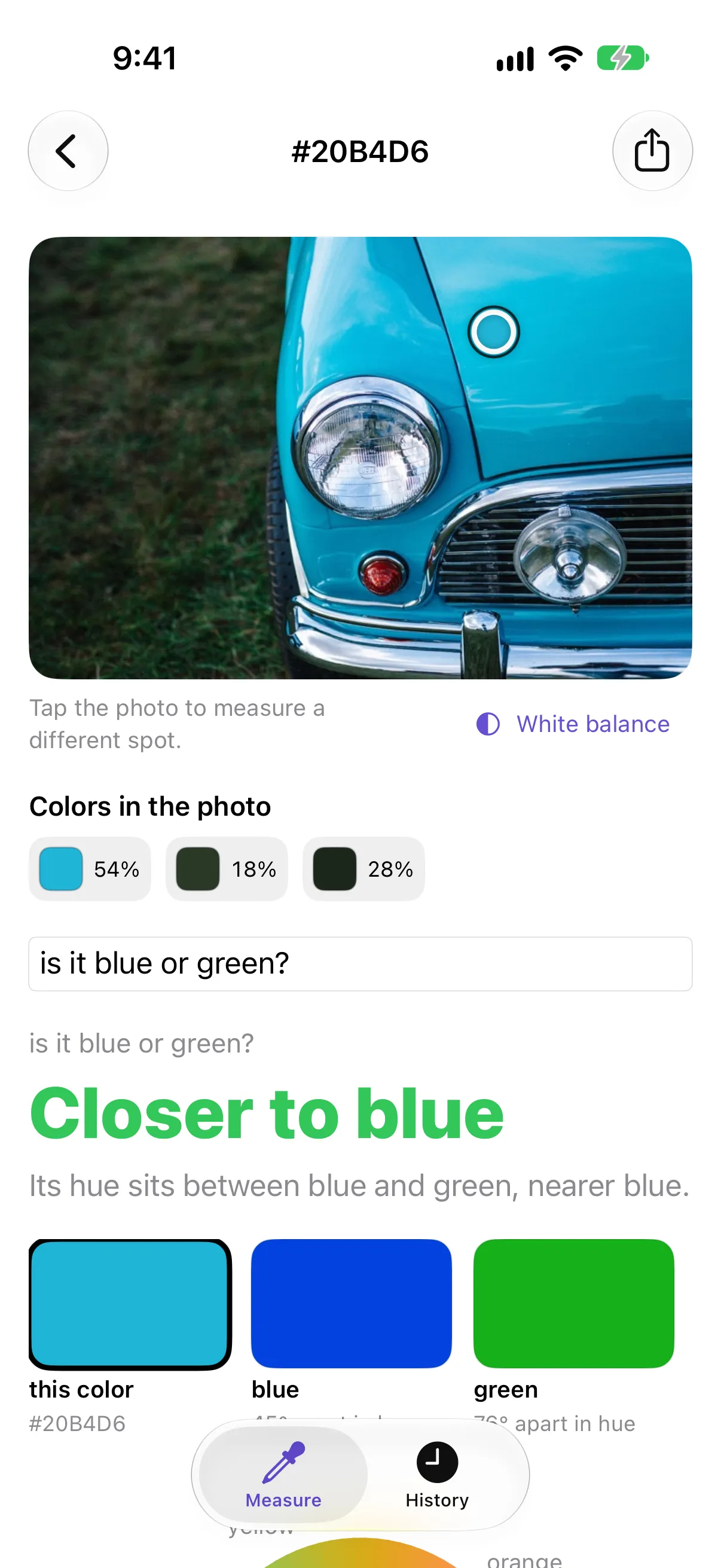
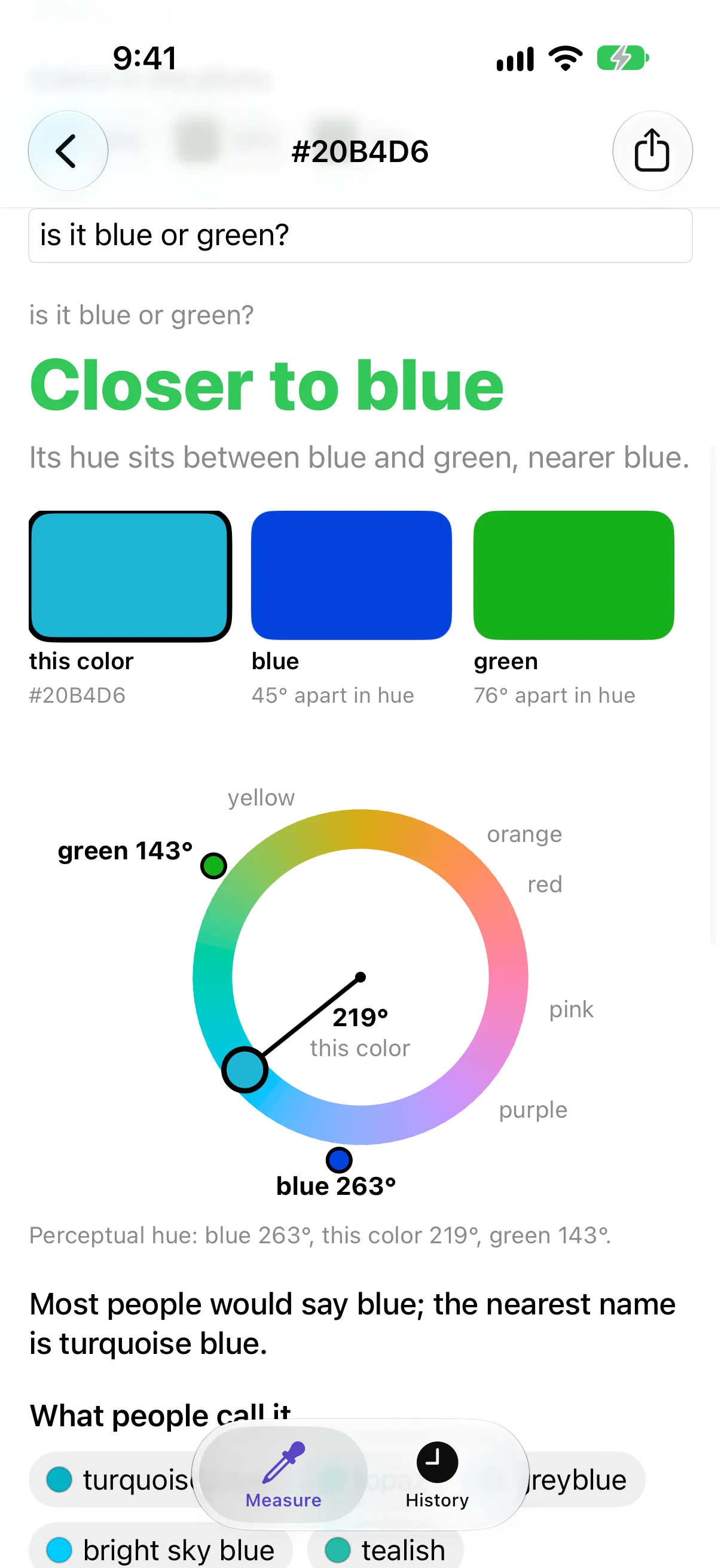
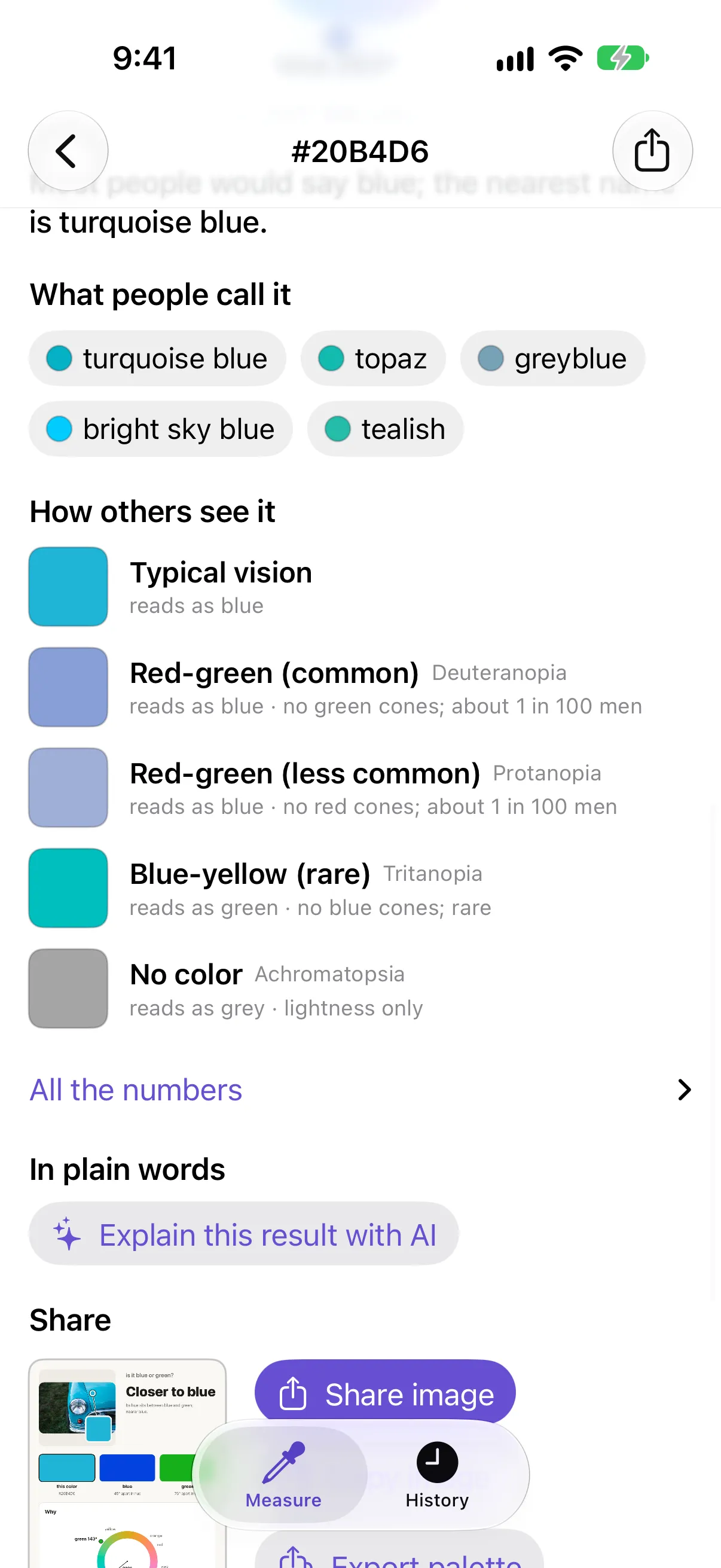
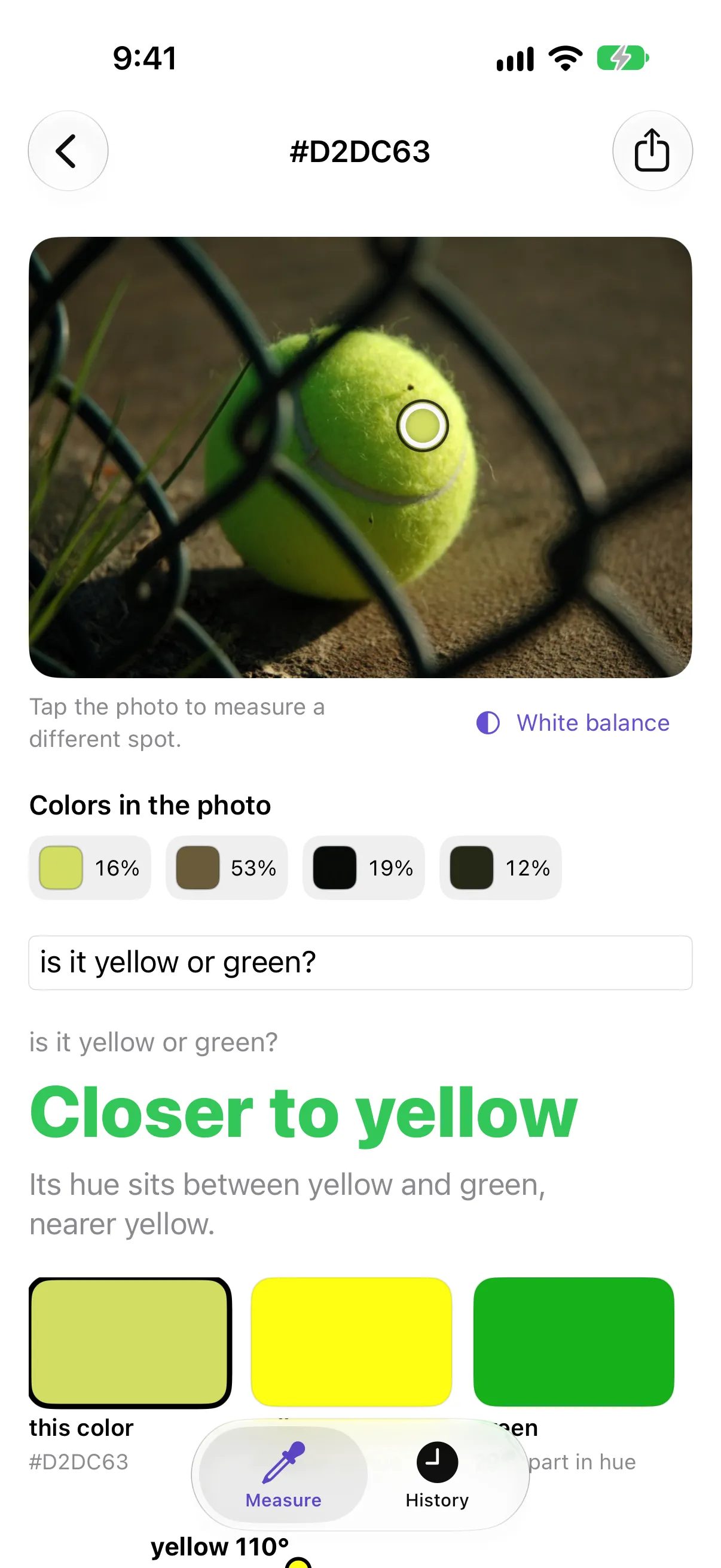
Real screenshots and a screen recording of Chromacy on iPhone. Photos: turquoise car by Clem Onojeghuo and tennis ball, both CC0 on Wikimedia Commons.
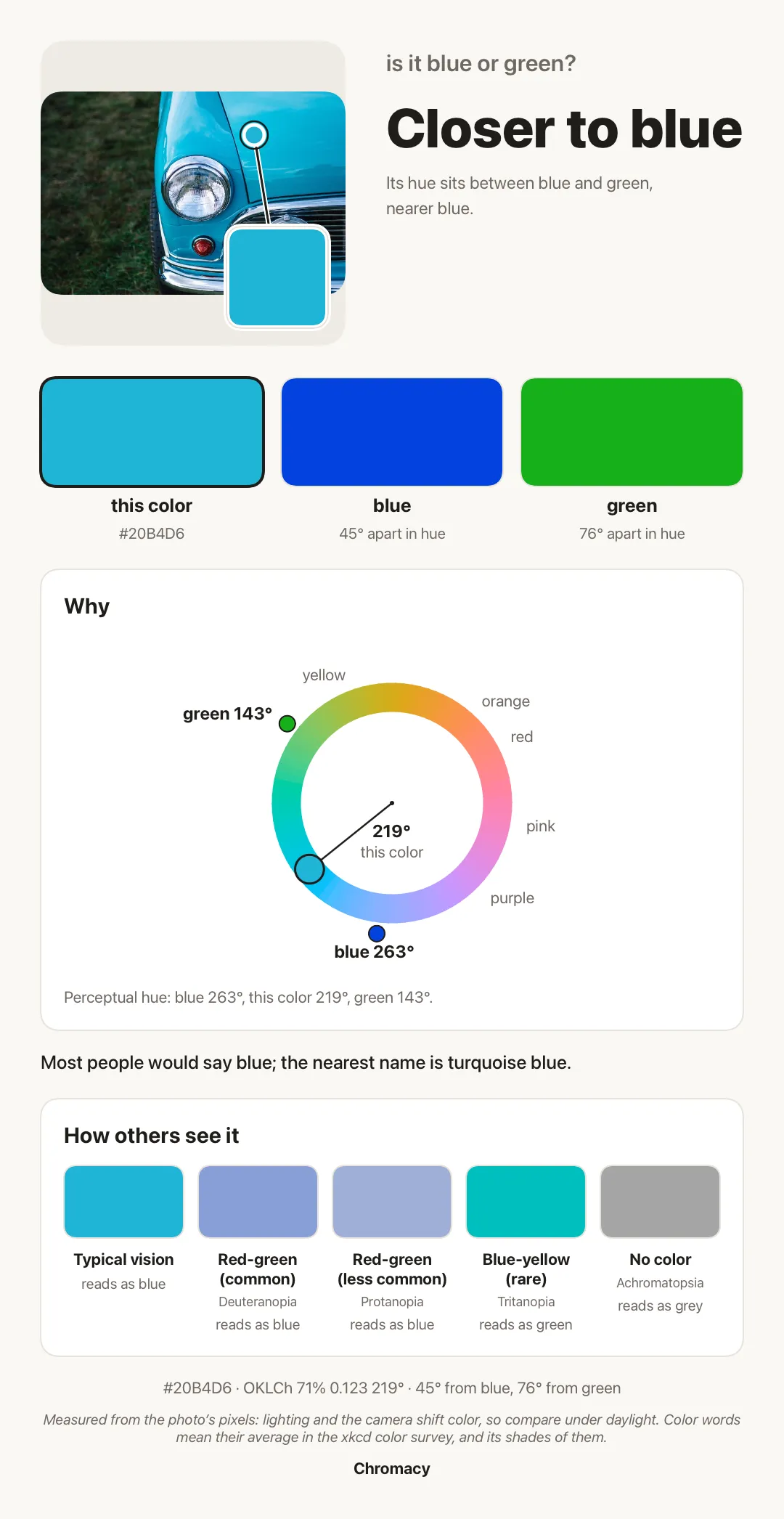
Ask “blue or green?” about a photo and Chromacy doesn’t just pick one. It measures the color against what people call blue and what people call green, in three ways, and tells you how close the call is.
A result from Chromacy’s color code, drawn for this page (not a screenshot of the app). It’s a near-even blend, which is exactly why people argue about colors like this one. The HSV wheel disagrees, because it treats hue differently from how eyes do.
Finds the subject
No need to crop. Chromacy finds the main color of the thing in your photo and ignores the background. Tap anywhere to measure a different spot.
Names it like people do
Names come from a survey in which about 222,500 people named colors on their own screens. “Navy” means what people call navy, from 920 names.
Answers your question
Ask “is it blue or green?” or “is it navy?” in your own words. You get an answer, the reason in plain words, and how close the call is.
Real color science
Perceptual hue in OKLCh, overall difference by CIEDE2000, and CAM16 for how much of each hue a color appears to contain. How it works.
Through other eyes
See the color as it looks with red-green and blue-yellow color vision deficiency, or with no color at all, and what each would call it.
Private by design
Your photos and results stay on your iPhone. No account, no server, no analytics, ads or tracking. Privacy policy.
Under the hood, Chromacy groups the photo’s pixels by how alike they look, joins the lit and shaded parts of the same thing, and scores each group by how much it looks like the subject rather than the backdrop. How it works explains each step and names the science.
The same color looks different to people with different color vision. Here’s #00C0C0 as Chromacy simulates it, with the basic color word each would use:
Typical visiongreen
Red-green (common)blue
Red-green (less common)grey
Blue-yellow (rare)green
No colorgrey
Simulated with the method of Machado, Oliveira and Fernandes (2009).
See pricing for what’s in each.
For iPhone with iOS 17 or later. Free to try, then $3.99 once for Pro.